
| [shortcode] | What it does | Example |
|---|---|---|
tribe_mini_calendar |
Displays a mini version of the calendar Month View. | Mini Calendar |
tribe_events_list |
Displays the advanced list widget that shows events and event information in a List View. | Events List |
tribe_featured_venue |
Lists upcoming events at a specific venue. | Featured Venue |
tribe_event_countdown |
Shows a countdown clock until the start of an event. | Event Countdown |
tribe_this_week |
Horizontal or vertical display of events taking place in the current week. | This Week |
tribe_events |
Displays the full calendar. The default view is determined by the selected option in the plugin settings. | Full Calendar |
tribe_event_inline |
Display a single event in a post, page, sidebar, footer, or custom template. Accepts parameters that customize what event details to display and in what order to display them. | Event Inline |
Events
Calendar of Events
|
Sunday
|
Monday
|
Tuesday
|
Wednesday
|
Thursday
|
Friday
|
Saturday
|
|---|---|---|---|---|---|---|
5 events,
At 9:15 AM, we have a 40-45 minute Contemplative Worship Service. This service invites participants into a reflective, more meditative space, and includes silence, beautiful recorded music and videos, and […] 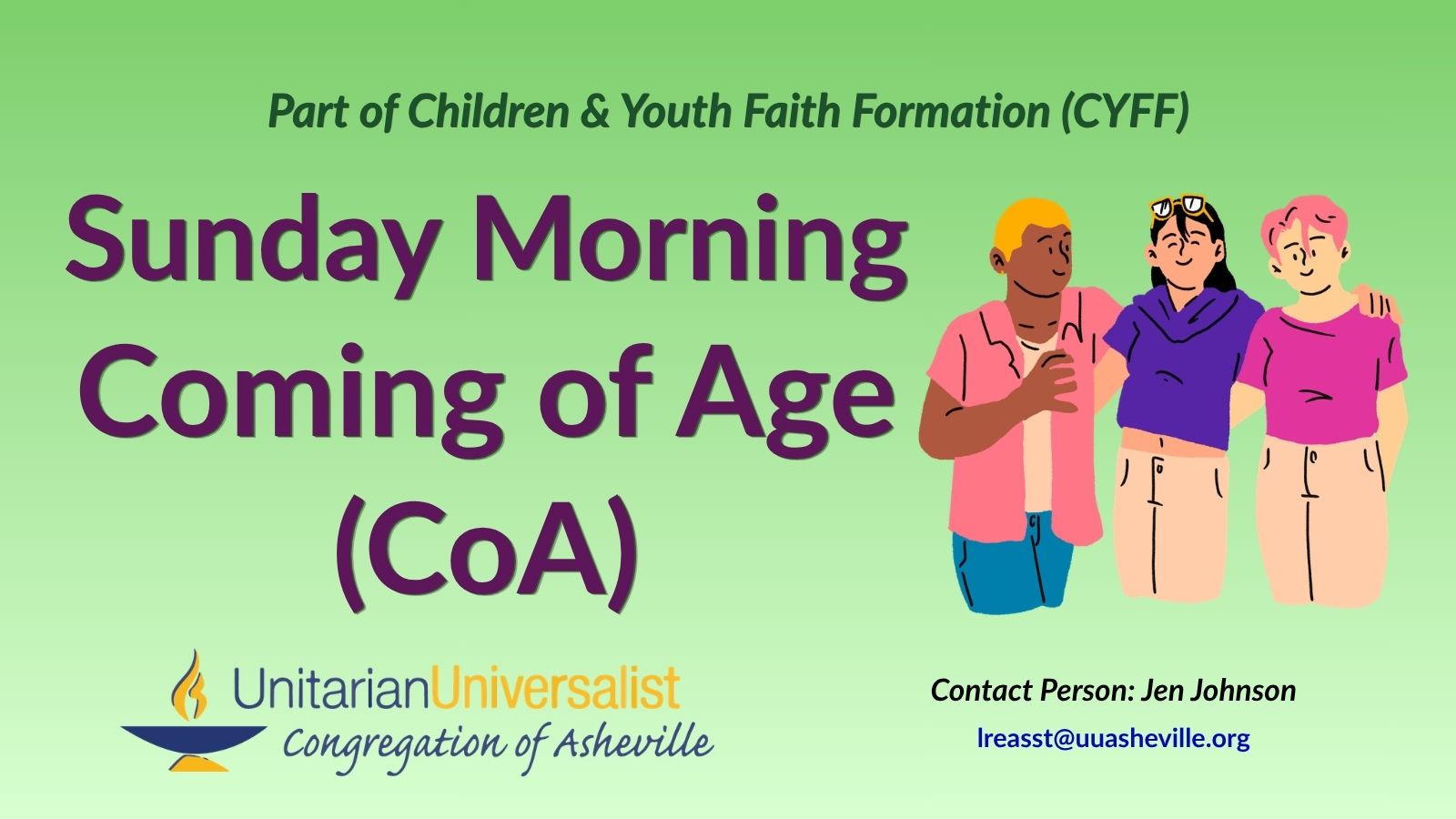
Sunday Morning Coming of Age takes place in both the Parlor and the Board Room of 23 Edwin.
At 11:15 AM, we have our Traditional Service. This service includes our choir or special guest musicians, Wisdom story, our regular children’s religious education classes and childcare, and is livestreamed. After […] |
2 events, |
1 event, |
2 events,
Internal (UU AVL Member) Contact: Becky Custar Staff Contact: Rev. Audette Fulbright Fulson |
3 events, |
1 event, |
7 events,
UU Asheville Fiber Friends is a group of crafters who do handwork on personal projects and for the community. Mainly knitters and crocheters, we create warm items for donation to […] 
*JMPO = Justice Ministry Partner Organization (of UU Asheville) Set Up: 2:45-3:30 PM · Event Time: 3:30-5:30 PM · Clean Up: 5:30-6:00 PM |
7 events,At 9:15 AM, we have a 40-45 minute Contemplative Worship Service. This service invites participants into a reflective, more meditative space, and includes silence, beautiful recorded music and videos, and […]
Sunday Morning Coming of Age takes place in both the Parlor and the Board Room of 23 Edwin. At 11:15 AM, we have our Traditional Service. This service includes our choir or special guest musicians, Wisdom story, our regular children’s religious education classes and childcare, and is livestreamed. After […] 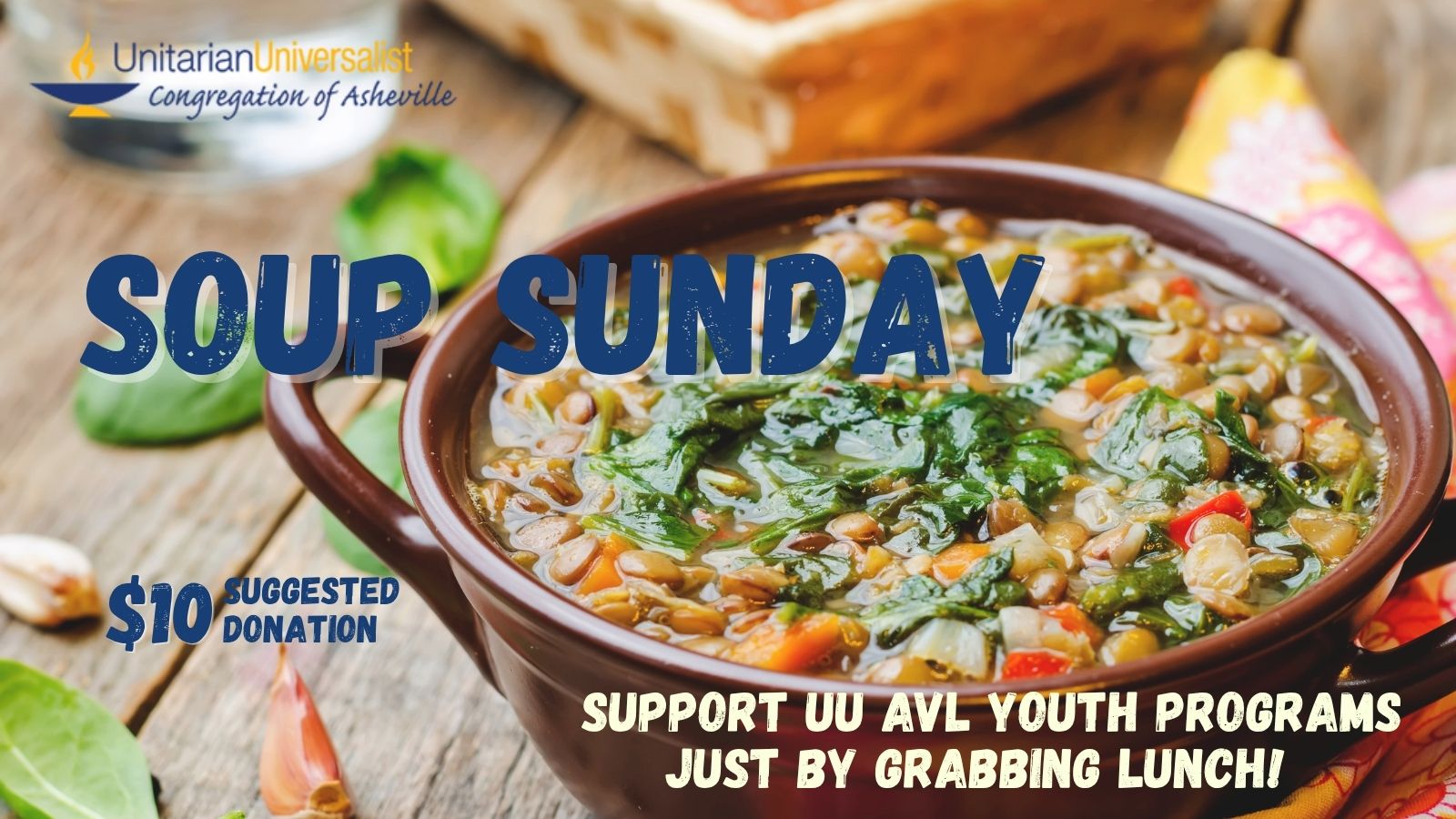
Soup Sunday Fundraising Event for UU Asheville Youth! The Link is to the Giving Page for Youth Trip Fundraising. Questions? Contact Anna Martin |
3 events, |
4 events,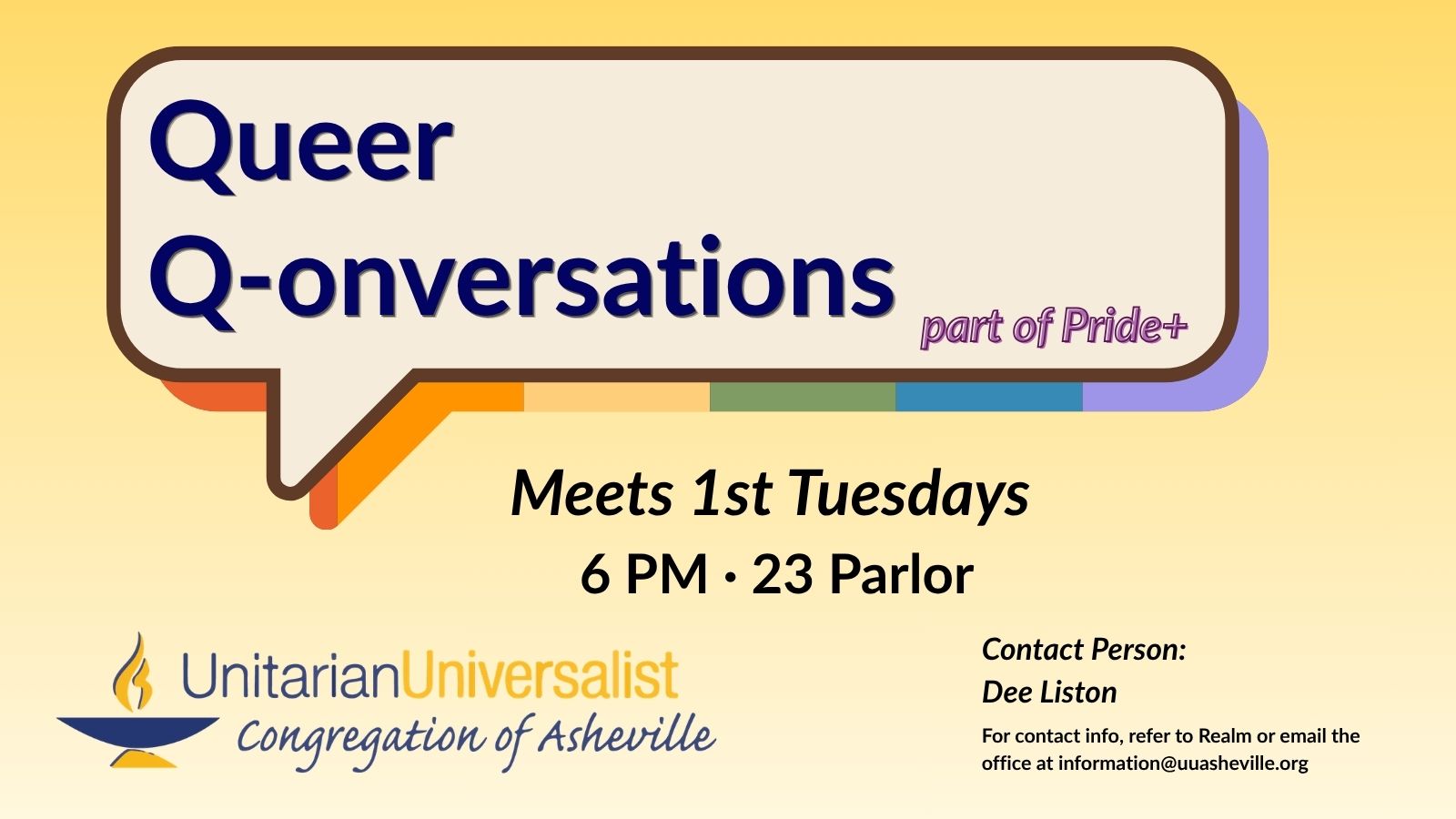
This monthly gathering is part of Pride+ but is a queer-only space for queer people to connect, support, educate, and mobilize together. 
All are welcome to join singers young and old as Dave Bates leads a sing-along of popular tunes (often from musicals) just for the fun of it. |
5 events,This special meeting will run from 10 AM - 12 Noon in the Parlor of 23 Edwin. The office will be closed during this time.
-
The UU Asheville Offices will be closed from 10 AM to 12 Noon today, October 7th, for a special meeting for Staff. If you need to contact a staff member, here is our Staff Directory: https://uuasheville.org/about/ministers-staff/ 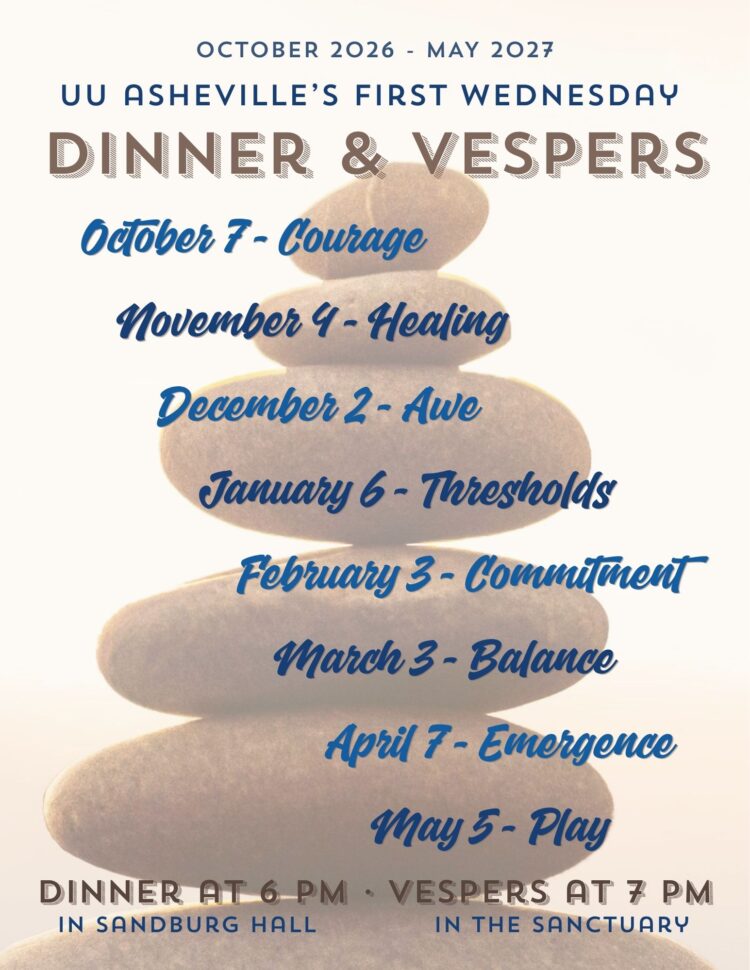
Vespers is a great way to have a small group experience; open to all. We enjoy a meal together at 6 PM in Sandburg Hall, followed by a short service at 7 PM in the Sanctuary. 
This is a Zoom Meeting. Please contact Venny for the link. |
4 events,
-
The UU Asheville Offices will be closed from 10 AM to 12 Noon today, October 8th, for a special meeting for Staff. If you need to contact a staff member, here is our Staff Directory: https://uuasheville.org/about/ministers-staff/ |
3 events,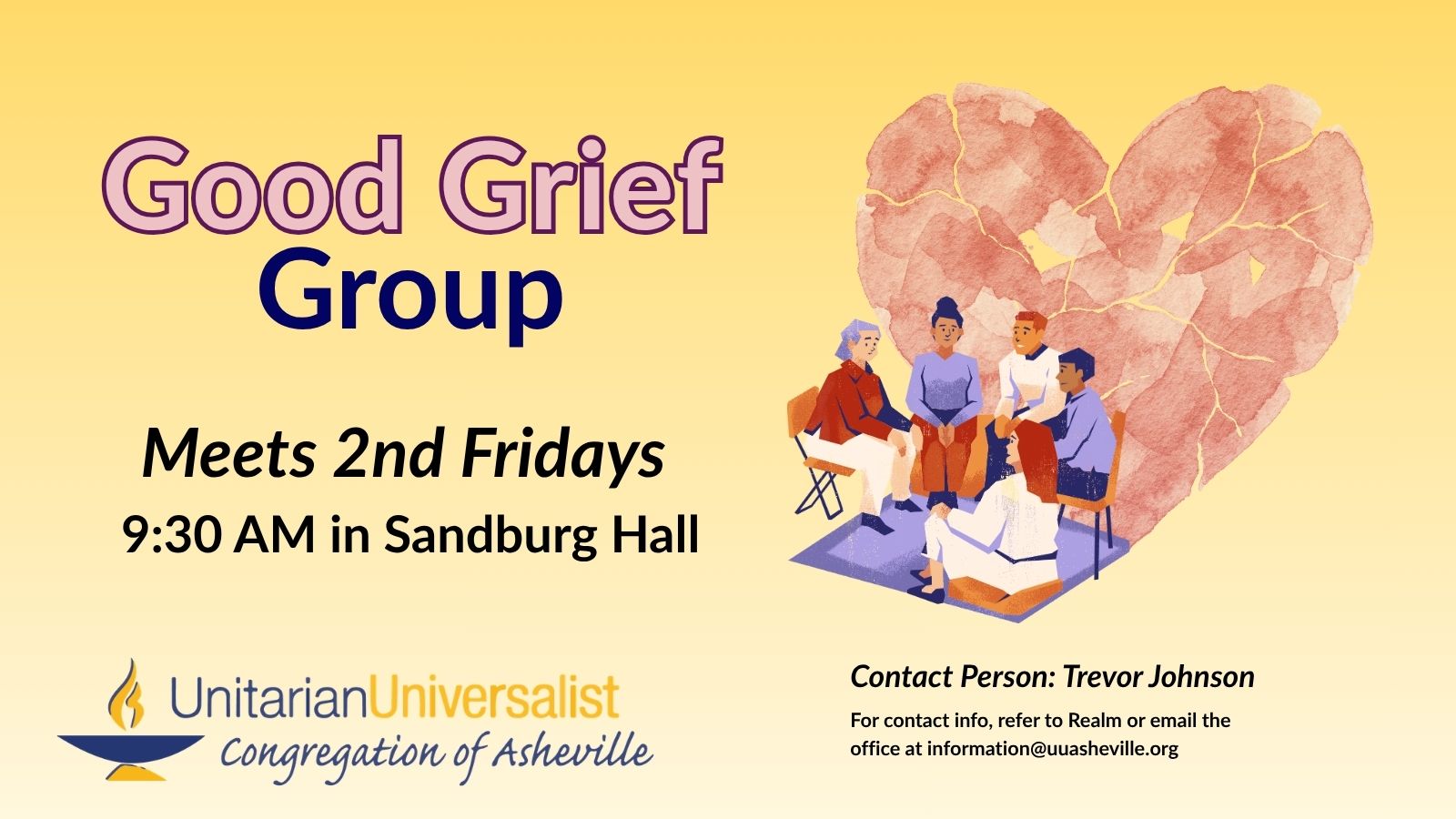
The Good Grief Group offers group members a safe and sacred space to grieve circumstances in our own lives and the lives of our loved ones. As we talk about our grief, we are both held and heard by each other. All members are present to one another’s grief, as well as our own. It is […] 
Showing: "What Would Jesus Do" Set Up: 6 PM Event Time: 6:30 Snacks | 7-9 PM Movie Clean Up: 9-9:30 PM |
1 event,
The Men’s Breakfast Discussion Group (Men's Breakfast for short) welcomes all men to join us the second Saturday of each month for a potluck breakfast followed by group discussion on a reflective topping chosen by our members. The Breakfast begins at 8 AM, followed by our discussion from 9 to 11 AM. If you cannot […] |
5 events,At 9:15 AM, we have a 40-45 minute Contemplative Worship Service. This service invites participants into a reflective, more meditative space, and includes silence, beautiful recorded music and videos, and opportunities for sharing. It also features the sermon and theme which will be the focus in the second service at 11:15 AM. This service is […]
Sunday Morning Coming of Age takes place in both the Parlor and the Board Room of 23 Edwin. At 11:15 AM, we have our Traditional Service. This service includes our choir or special guest musicians, Wisdom story, our regular children’s religious education classes and childcare, and is livestreamed. After the 11:15 service, folx are welcome to remain for a social time, enjoying coffee (if coffee remains after the 10 AM coffee hour*!) and conversation. […] |
3 events,UU Asheville Offices are closed in honor of Indigenous Peoples' Day. |
4 events,
This is a monthly meeting of the Pastoral Care Team, or PCT. If you have something you're struggling with that you'd like help with, please reach out to the PCT either via email at care@uuasheville.org or in person on Sundays, look for PCT members by their yellow name tags. 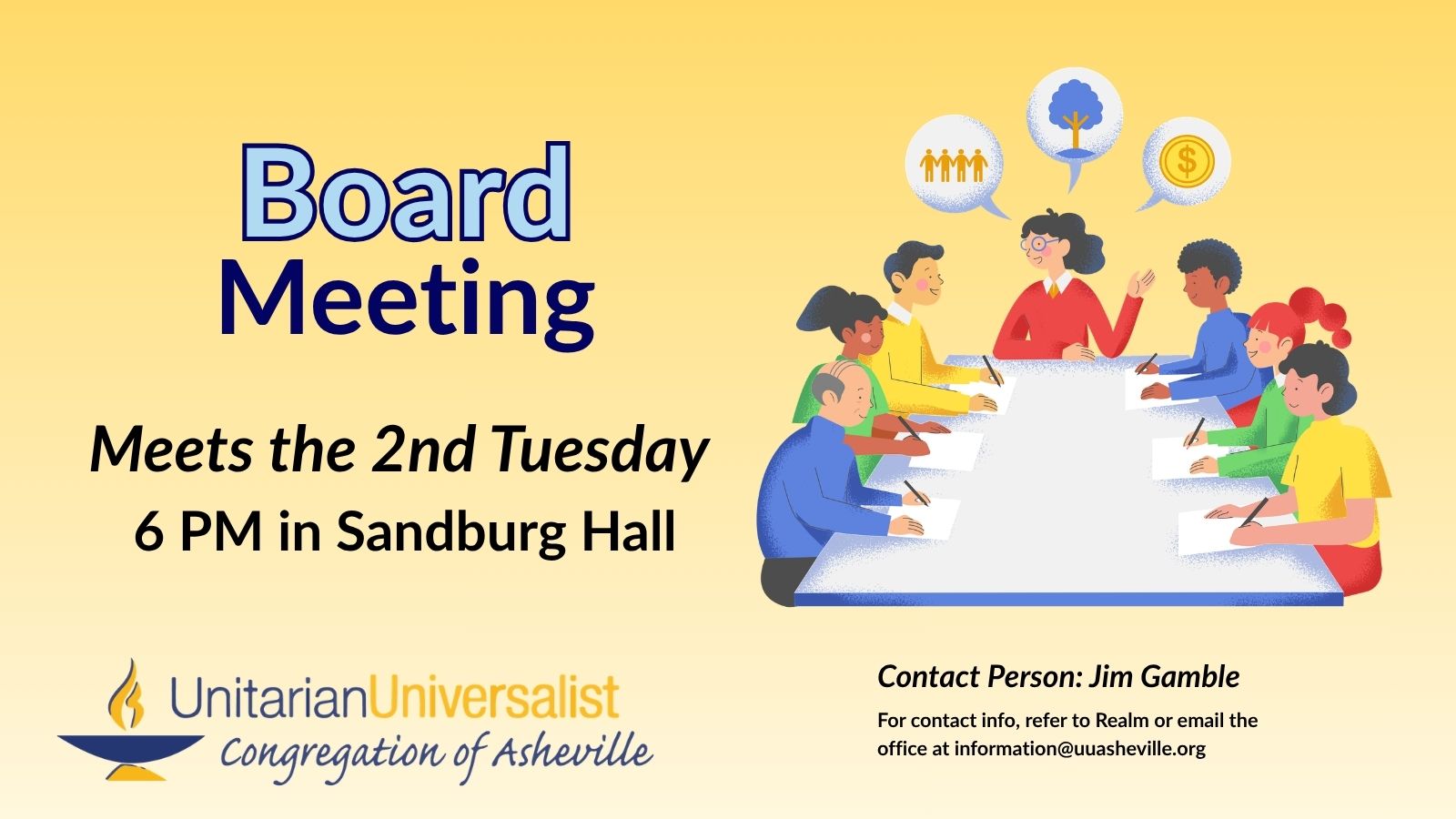
For 2026-2027, the members of the Board of Trustees are: Susan Andrew, Ken Brame, Dan Carter, Ben Fleming (Clerk), Marty Friedman, Jim Gamble (President), Melissa Himelein, Will Jernigan (Vice President), and Wink Zachritz. |
2 events,The Second Wednesday Gathering in October will be a night of Tarot in Sandburg Hall. Set Up: 6-7 PM Event Time: 7-8:30 PM Clean Up: 8:30-9 PM For questions about CUUPS events, contact Susan Foster or Sherry Lundquist. |
4 events,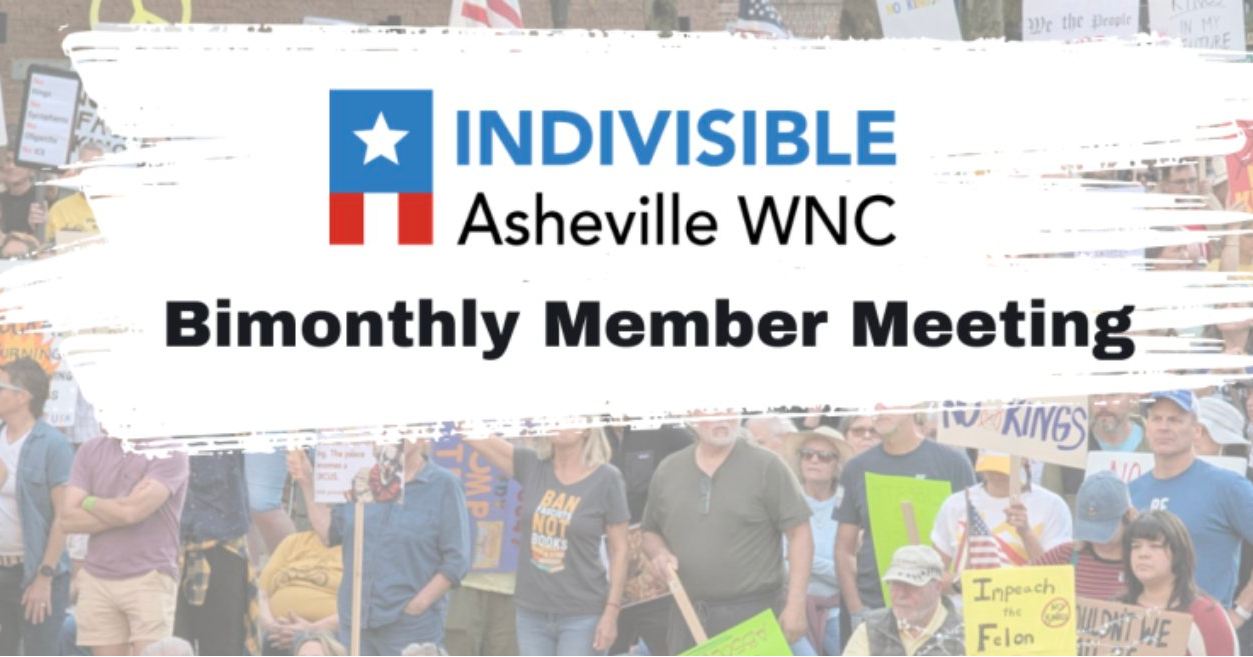
"Indivisible AVL bimonthly meetings are held on the 4th Thursday of the month in February, April, June, August, and October, with an earlier date in December reserved for an informal […] |
1 event, |
3 events,All women are invited to bring a potluck dish and join this lively social group for entertaining programs every month. 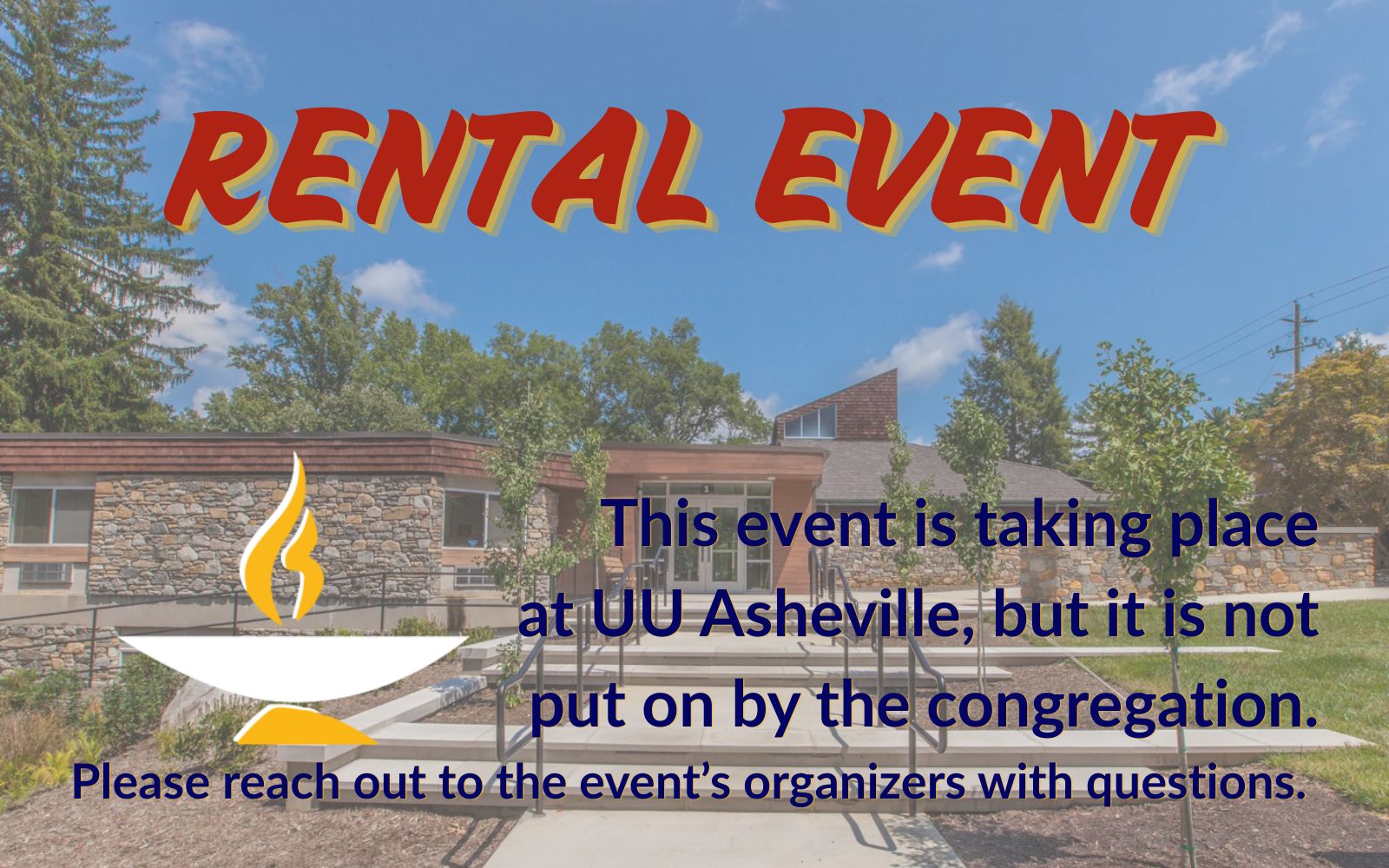
Set up: 3-3:30 PM | Event Time: 3:30-5:00 PM | Clean up: 5-5:30 PM |
6 events,At 9:15 AM, we have a 40-45 minute Contemplative Worship Service. This service invites participants into a reflective, more meditative space, and includes silence, beautiful recorded music and videos, and opportunities for sharing. It also features the sermon and theme which will be the focus in the second service at 11:15 AM. This service is […]
Sunday Morning Coming of Age takes place in both the Parlor and the Board Room of 23 Edwin. 
Newcomer Events Every Third Sunday New to UU AVL? We host newcomer gatherings on the third Sunday of each month, in between services. Learn more about UU Asheville, Meet other newcomers, and eat snacks! Questions? Reach out to Trevor Johnson. At 11:15 AM, we have our Traditional Service. This service includes our choir or special guest musicians, Wisdom story, our regular children’s religious education classes and childcare, and is livestreamed. After the 11:15 service, folx are welcome to remain for a social time, enjoying coffee (if coffee remains after the 10 AM coffee hour*!) and conversation. […] |
3 events,
-
Piano Technician Appointment: Mike Karkoski of Pisgah Pianos (https://pisgahpianos.com/) is coming to work on the piano. |
5 events,
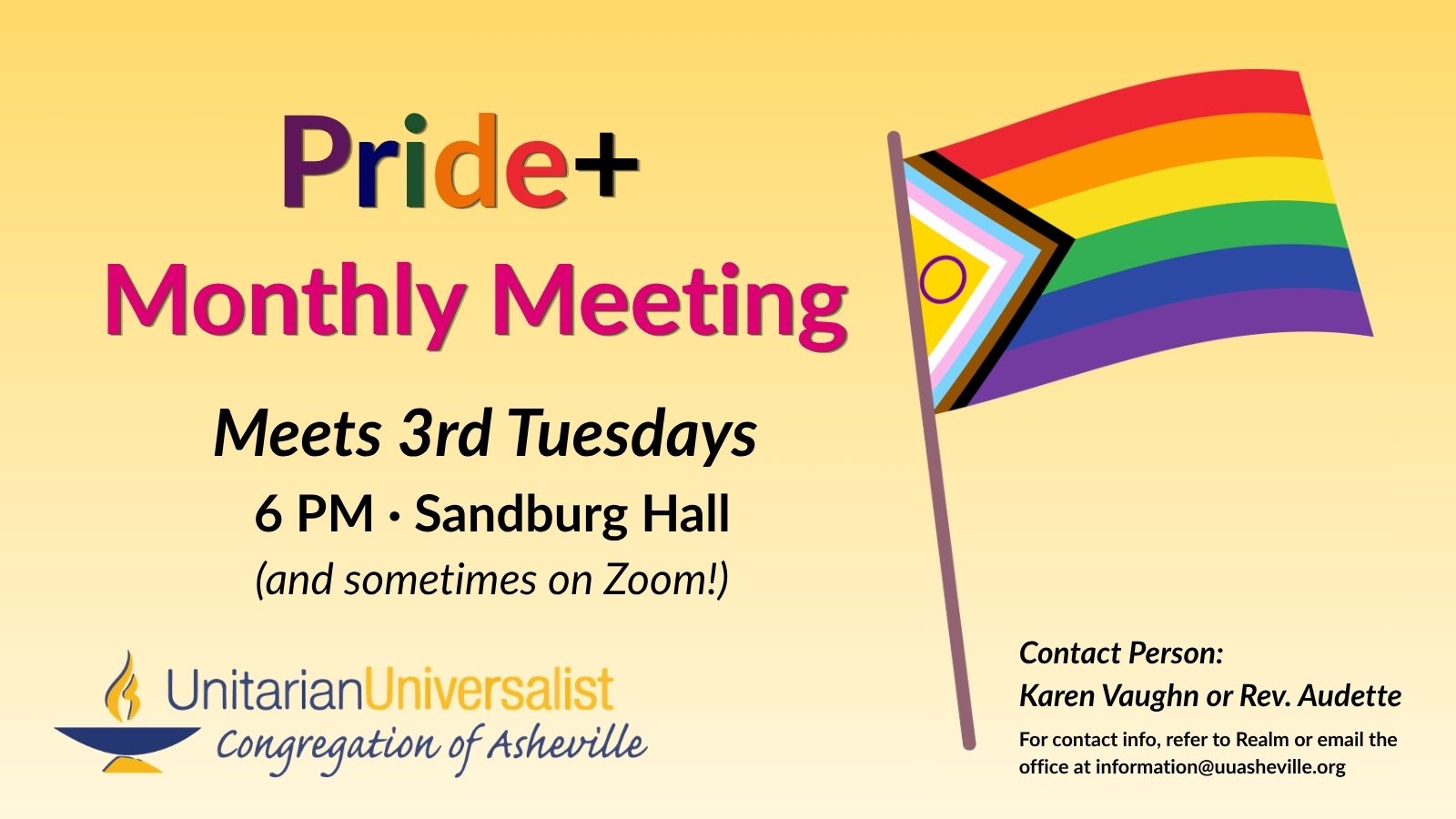
We meet on a monthly basis, alternating every-other-month between virtual and in-person. As of now (September 2026), the monthly meeting is in person for even months and on Zoom for odd months. Check the eNews or email Karen Vaughn for the latest! This Legacy Small Group is led by Doug Ryan, and meets monthly on the 3rd Tuesday of the month from 6:30-8:30 PM in the 23 Edwin Parlor.
All are welcome to join singers young and old as Dave Bates leads a sing-along of popular tunes (often from musicals) just for the fun of it. |
2 events,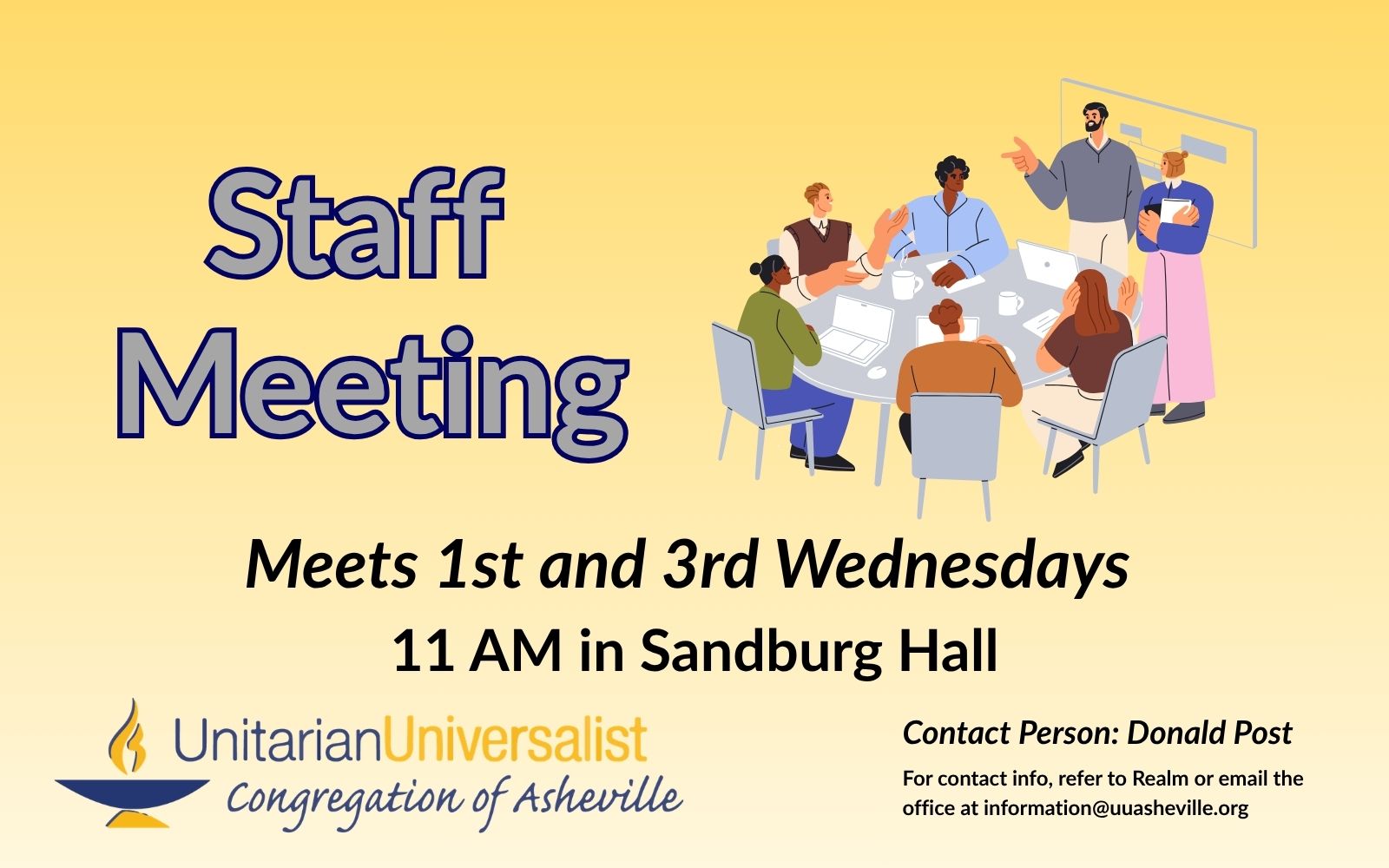
During the church year (September-May), full Staff Meetings are held 1st and 3rd Wednesdays of the month in Sandburg Hall. |
3 events, |
1 event, |
3 events,
-
Wilson Perry Memorial Service at 11 AM | Reception at 12 Noon Mindy and Ryan, Wilson's Parents Rev. Kendra Goodson Plating Building Coordinator: TBD
Set up: 3-3:30 PM | Event Time: 3:30-5:00 PM | Clean up: 5-5:30 PM |
6 events,At 9:15 AM, we have a 40-45 minute Contemplative Worship Service. This service invites participants into a reflective, more meditative space, and includes silence, beautiful recorded music and videos, and opportunities for sharing. It also features the sermon and theme which will be the focus in the second service at 11:15 AM. This service is […]
Sunday Morning Coming of Age takes place in both the Parlor and the Board Room of 23 Edwin. At 11:15 AM, we have our Traditional Service. This service includes our choir or special guest musicians, Wisdom story, our regular children’s religious education classes and childcare, and is livestreamed. After the 11:15 service, folx are welcome to remain for a social time, enjoying coffee (if coffee remains after the 10 AM coffee hour*!) and conversation. […]
Soup Sunday Fundraising Event for UU Asheville Youth! The Link is to the Giving Page for Youth Trip Fundraising. Questions? Contact Anna Martin |
2 events, |
5 events,
-
Piano Technician Appointment: Mike Karkoski of Pisgah Pianos (https://pisgahpianos.com/) is coming to work on the piano. |
2 events,
Internal (UU AVL Member) Contact: Becky Custar Staff Contact: Rev. Audette Fulbright Fulson |
4 events,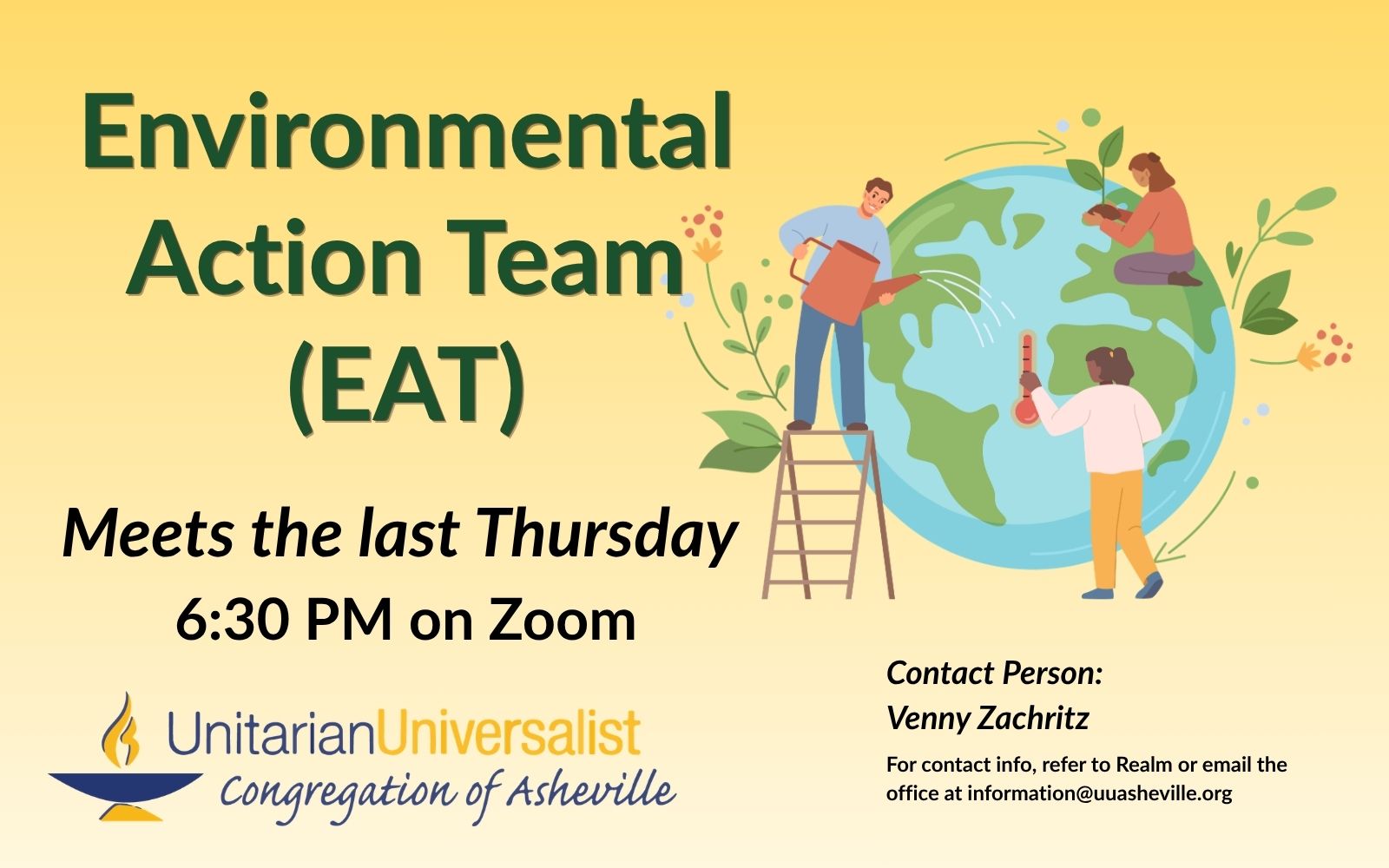
This is a virtual meeting! · The Environmental Action Team (EAT) is an action-oriented group of folx that are dedicated to bringing information and education about our climate crisis to […] |
1 event, |
1 event,
Set up: 3-3:30 PM | Event Time: 3:30-5:00 PM | Clean up: 5-5:30 PM |



Mini Calendar (tribe_mini_calendar)
Displays a mini version of the calendar Month View. (Works best in a partial-width column)
Filters:
category (or categories)=”[slug or id]” (Multiple categories separated by comma)
tag=”[id]” (Multiple tags separated by comma)
count=”#” (number of events listed below the mini calendar)
tax-operand=”AND or OR”
Events List (tribe_events_list)
Displays the advanced list widget that shows events and event information in a List View.
Filters:
category (or categories)=”[slug or id]” (Multiple categories separated by comma)
tag=”[id]” (Multiple tags separated by comma)
tax-operand=”AND or OR”
Choose which information is displayed:
- venue=”yes” (supports multiple venues)
- country=”yes”
- street=”yes”
- city=”yes”
- region=”yes”
- zip=”yes”
- phone=”yes”
- cost=”yes”
- organizer=”yes”
limit=”#” (specify the maximum number of events that should be listed)
Featured Venue (tribe_featured_venue)
Lists upcoming events at a specific venue.
When you use the featured venue shortcode you must include at least one argument – the ID or slug of the venue that is being featured.
slug OR id
Optionally:
limit=”#” (a limit for the number of events to list for the specified venue)
hide_if_empty=false (Will show the widget even if no upcoming events are scheduled for the venue)
Featured Venue (tribe_featured_venue)
Lists upcoming events at a specific venue.
When you use the featured venue shortcode you must include at least one argument – the ID or slug of the venue that is being featured.
slug OR id
Optionally:
limit=”#” (a limit for the number of events to list for the specified venue)
hide_if_empty=false (Will show the widget even if no upcoming events are scheduled for the venue)
Event Countdown (tribe_event_countdown)
Shows a countdown clock until the start of an event.
An ID or slug must be specified or it will not work.
Optionally:
show_seconds=”yes”
complete=”Yee hah!”
This Week (tribe_this_week)
Horizontal or vertical display of events taking place in the current week.
count=”#” (how many events per day to display)
layout=”vertical” (default layout is horizontal)
start_date=”12-07-2015″ (This is used to set the week of events to show.)
week_offset=”1″ (Use this to show a week in the future)
hide_weekends=”true” (will hide Saturdays and Sundays)
operand=”and OR or” (You use this option to change between to using “and” or to use “or” for the filters. The default is “or” so if you have two event categories it will find all events with either of those. If you change to “and” it will return events that have both of those event categories.)
Sunday, October 25, 2026
-
October 25, 2026 -9:15 Contemplative Service
-
October 25, 2026 -Sunday Morning Faith Formation
-
October 25, 2026 -Sunday Morning Coming of Age
9:15 Contemplative Service
At 9:15 AM, we have a 40-45 minute Contemplative Worship Service. This service invites participants into a reflective, more meditative space, and includes silence, beautiful recorded music and videos, and opportunities for sharing. It also features the sermon and theme which will be the focus in the second service at 11:15 AM. This service is […]
Sunday Morning Coming of Age
Sunday Morning Coming of Age takes place in both the Parlor and the Board Room of 23 Edwin.
Monday, October 26, 2026
Tuesday, October 27, 2026
-
October 27, 2026 -Community Plate Meeting
-
October 27, 2026 -Piano Tuning/Repair
-
October 27, 2026 -Reserved – LD Practice
Piano Tuning/Repair
Piano Technician Appointment: Mike Karkoski of Pisgah Pianos (https://pisgahpianos.com/) is coming to work on the piano.
Wednesday, October 28, 2026
-
October 28, 2026 -Reserved – LD Practice
-
October 28, 2026 -Singing Resistance AVL
Singing Resistance AVL
Internal (UU AVL Member) Contact: Becky Custar Staff Contact: Rev. Audette Fulbright Fulson
Thursday, October 29, 2026
-
October 29, 2026 -Reserved – SJ Tech
-
October 29, 2026 -Reserved – LD Practice
-
October 29, 2026 -Environmental Action Team (EAT) Meeting
Environmental Action Team (EAT) Meeting
This is a virtual meeting! · The Environmental Action Team (EAT) is an action-oriented group of folx that are dedicated to bringing information and education about our climate crisis to […]
Friday, October 30, 2026
Saturday, October 31, 2026
-
October 31, 2026 -Rental: Meaningful Conversations – AVL
Rental: Meaningful Conversations – AVL
Set up: 3-3:30 PM | Event Time: 3:30-5:00 PM | Clean up: 5-5:30 PM
Full Calendar (tribe_events)
Displays the full calendar. The default view is determined by the selected option in the plugin settings.
- Month View ? view="month"
- List View ? view="list"
- Day View ? view="day"
- Photo View ? view="photo"
- Week View ? view="week"
- Map View ? view="map"
- Summary View ? view="summary"
category="id OR slug"
exclude-category=”id OR slug”
featured=”true OR false”
past=”yes” (filters the shortcode view to only show Past Events)
date=”yyyy-mm OR yyyy-mm-dd” (makes the shortcode views load the specified date, so that can you show a specific month, week, or day)
tribe-bar=”true OR false” (turns the “Events Bar” on or off for the generated view)
filter-bar=”true” (Adds the Filter Bar to the embedded calendar. Filter Bar add-on must be purchased.)
keyword=”????” (display events that have the keyword stated in the title and/or description of the event)
tag=”id OR slug” (filters the shortcode view to only show events that are in the specified tag(s))
exclude-tag=”id OR slug” (removes a selected tag from the displayed list of events)
tax-operand=”AND or OR” (allows for multiple categories and tags to display, either including all listed categories/tags or only including one)
author=”id OR name” (filter events by event author)
venue=”id OR name” (filter events by venue)
organizer=”id OR name” (filter events by event organizer)
month_events_per_day=”#” (limit the number of events displayed per day in Month View)
events_per_page=”#” (will control the number of events that display per page)
view=”viewname” (specify the calendar view for this embedded calendar)
If you do not specify a number of events to display with the shortcode, the number of events per page and day will honor the General and Display settings.
Events
-
-
Rental/SK
Lower Level Commons 1 Edwin Place, Asheville, NC, United States +1 more~RentalMeeting starts at 5:30 PM.
-
Reserved – LD Practice
*1 Sanctuary 1 Edwin Place, Asheville, NC, United States*Staff Event - LABORReserved for music director/Sunday performance practice.
-
Rental: Womansong Rehearsal
1 Sandburg Hall/Kitchen 1 Edwin Pl, Asheville, NC, United States~Rental -

Community Plate Meeting
1 Sandburg Hall/Kitchen 1 Edwin Pl, Asheville, NC, United States*Justice Ministry - LIBERATION -
Piano Tuning/Repair
*1 Sanctuary 1 Edwin Place, Asheville, NC, United StatesLABORPiano Technician Appointment: Mike Karkoski of Pisgah Pianos (https://pisgahpianos.com/) is coming to work on the piano.
-
Reserved – LD Practice
*1 Sanctuary 1 Edwin Place, Asheville, NC, United States*Staff Event - LABORReserved for music director/Sunday performance practice.
-
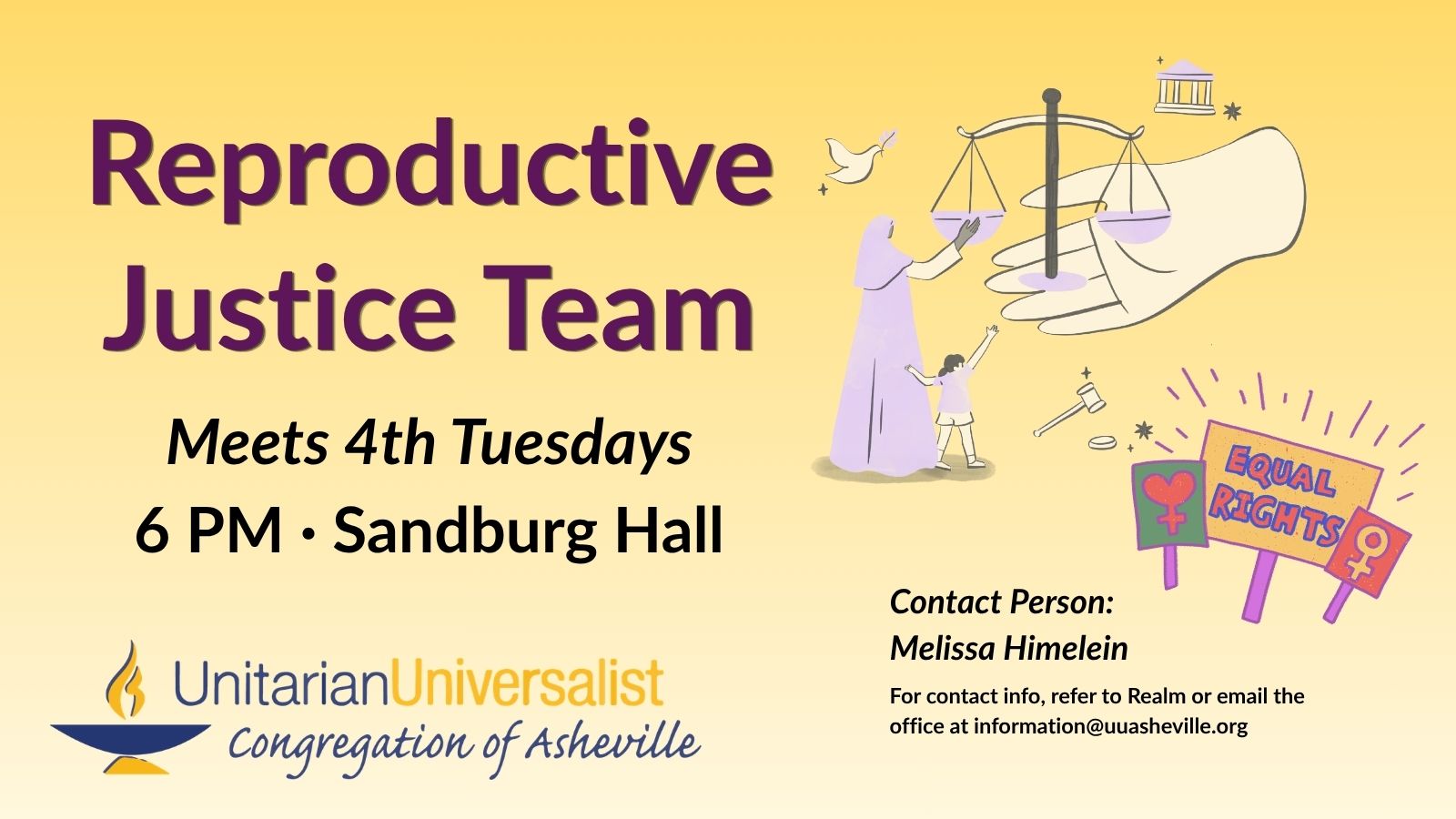
Reproductive Justice Meeting
1 Sandburg Hall/Kitchen 1 Edwin Pl, Asheville, NC, United States*Justice Ministry - LIBERATION -
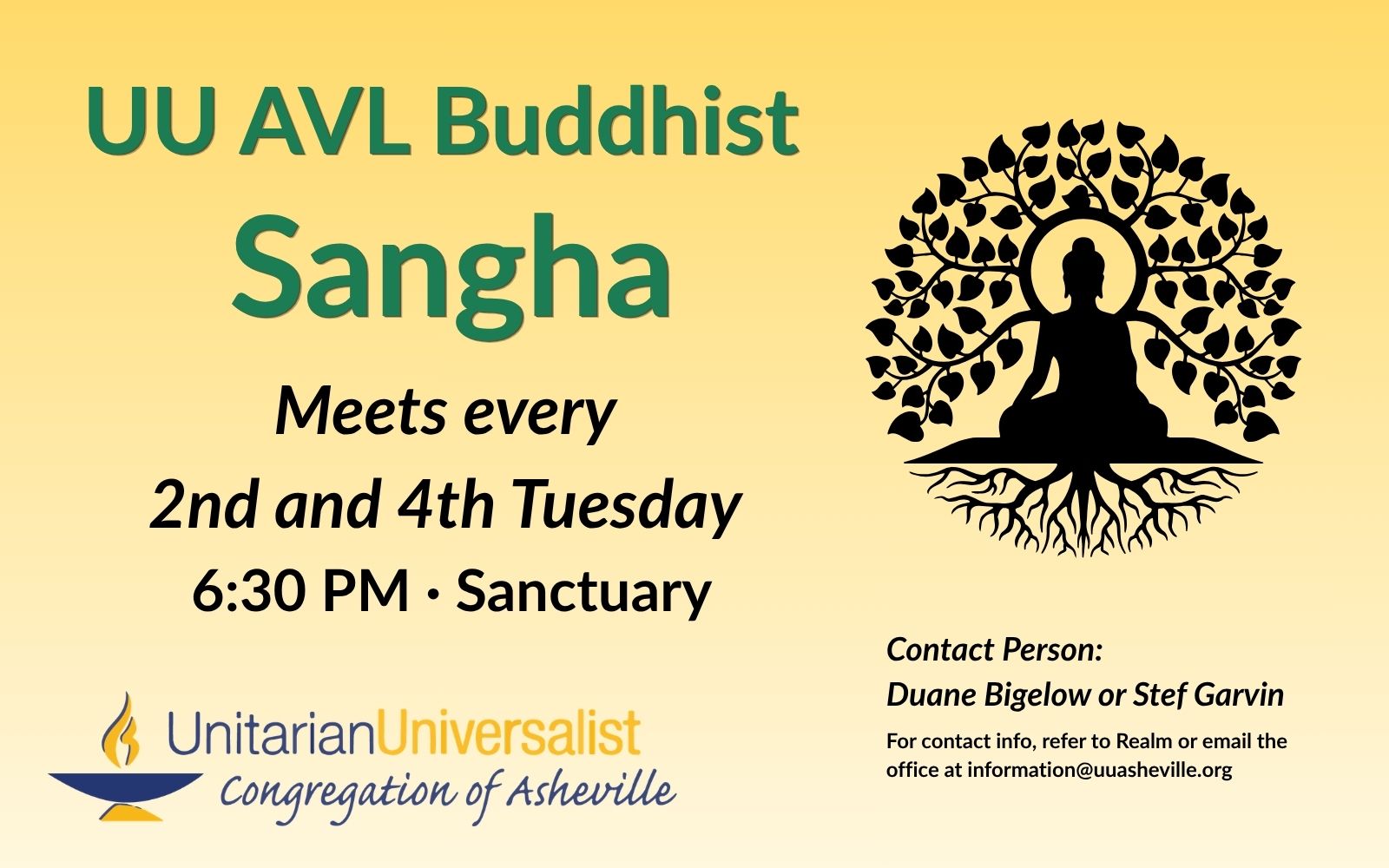
UU Buddhist Sangha
*1 Sanctuary 1 Edwin Place, Asheville, NC, United States*Faith Formation - LEARNINGQuestions about the Sangha? Contact Duane Bigelow.
-
Reserved – LD Practice
*1 Sanctuary 1 Edwin Place, Asheville, NC, United States*Staff Event - LABORReserved for music director/Sunday performance practice.
-
Singing Resistance AVL
*1 Sanctuary 1 Edwin Place, Asheville, NC, United StatesOtherInternal (UU AVL Member) Contact: Becky Custar Staff Contact: Rev. Audette Fulbright Fulson
-
Reserved – SJ Tech
*1 Sanctuary 1 Edwin Place, Asheville, NC, United States*Staff Event - LABORReserved for A/V Coordinator/Sunday service(s) technical set-up.
-
Reserved – LD Practice
*1 Sanctuary 1 Edwin Place, Asheville, NC, United States*Staff Event - LABORReserved for music director/Sunday performance practice.
Event Inline (tribe_event_inline)
Display a single event in a post, page, sidebar, footer, or custom template. Accepts parameters that customize what event details to display and in what order to display them.
- You must always supply an event’s ID via the id shortcode attribute.
- You must always use at least one of the shortcode’s variables to generate content. (More on this in the KB.)